
Choosing and running a scanner
How many ID scanners does a bar need?
Published November 3, 2026 · 2 sources linked
The short answer
One for each place where staff check IDs at the same moment on your busiest night, plus a way to keep checking if one fails. Count every entrance that admits guests, every lane at each entrance, a spot to the side for cards that raise a doubt and any check at the bar or on the floor. A bar with one door and one lane can run on one, and each extra lane or checking point open at the same time adds another.
What sets the count
- What to count
- Places where staff check IDs at the same moment, at the busiest hour of the week
- What adds a device
- A second lane, another entrance open at the same time, a side check or a check at the bar
- What does not
- Staff working the line or standing beside the checker, and a door guests only leave by
- Planning for failure
- A charged spare, a charger at the door and the hand check as the fallback
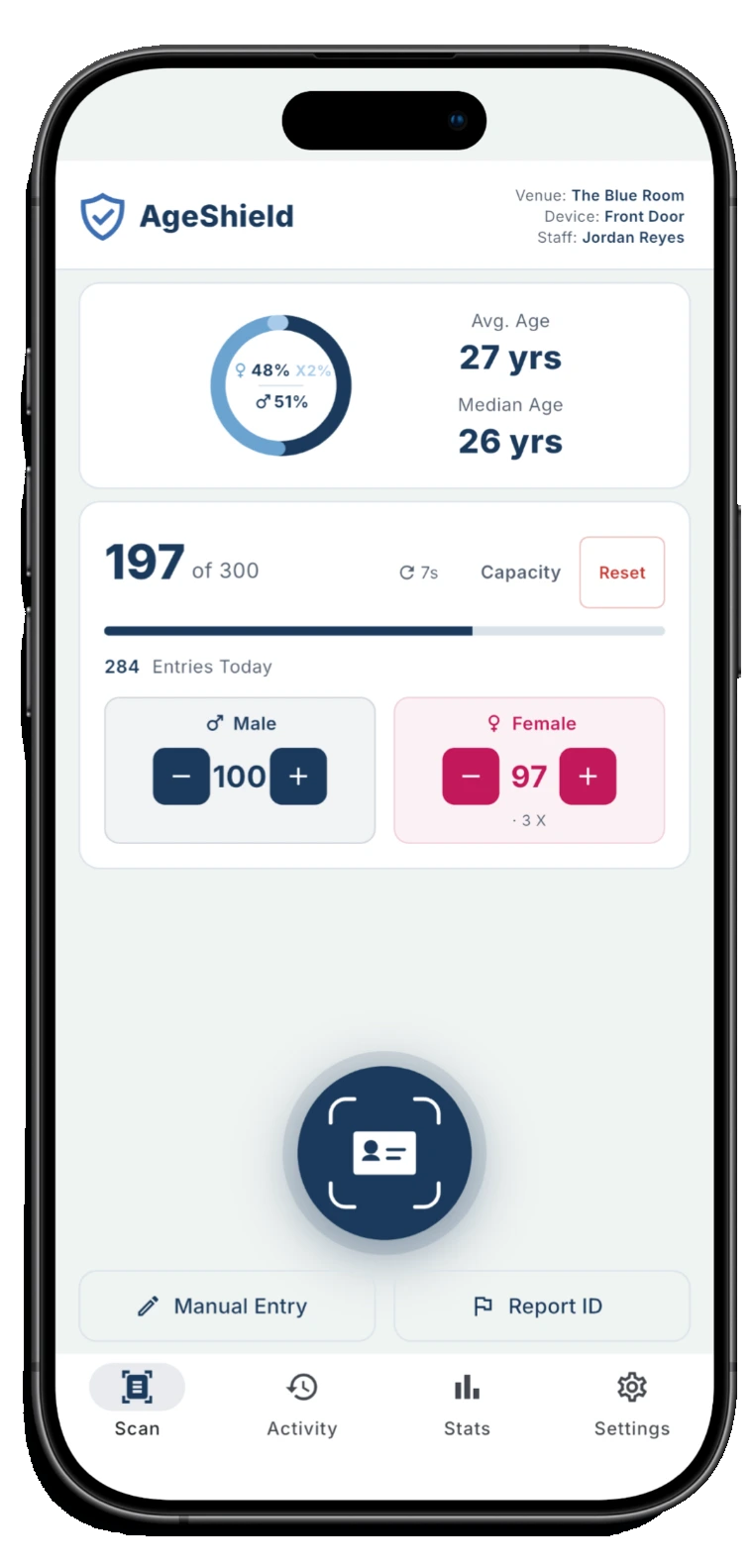
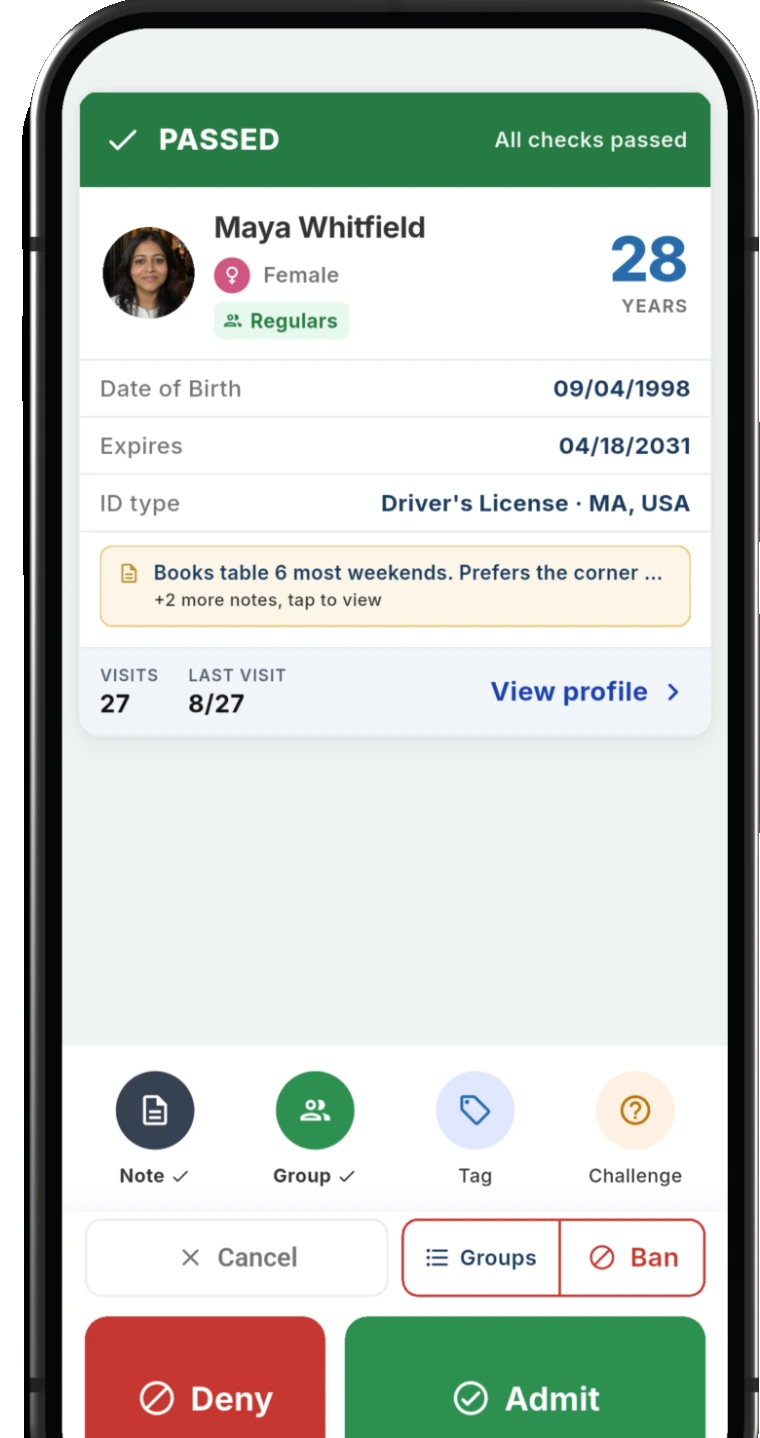
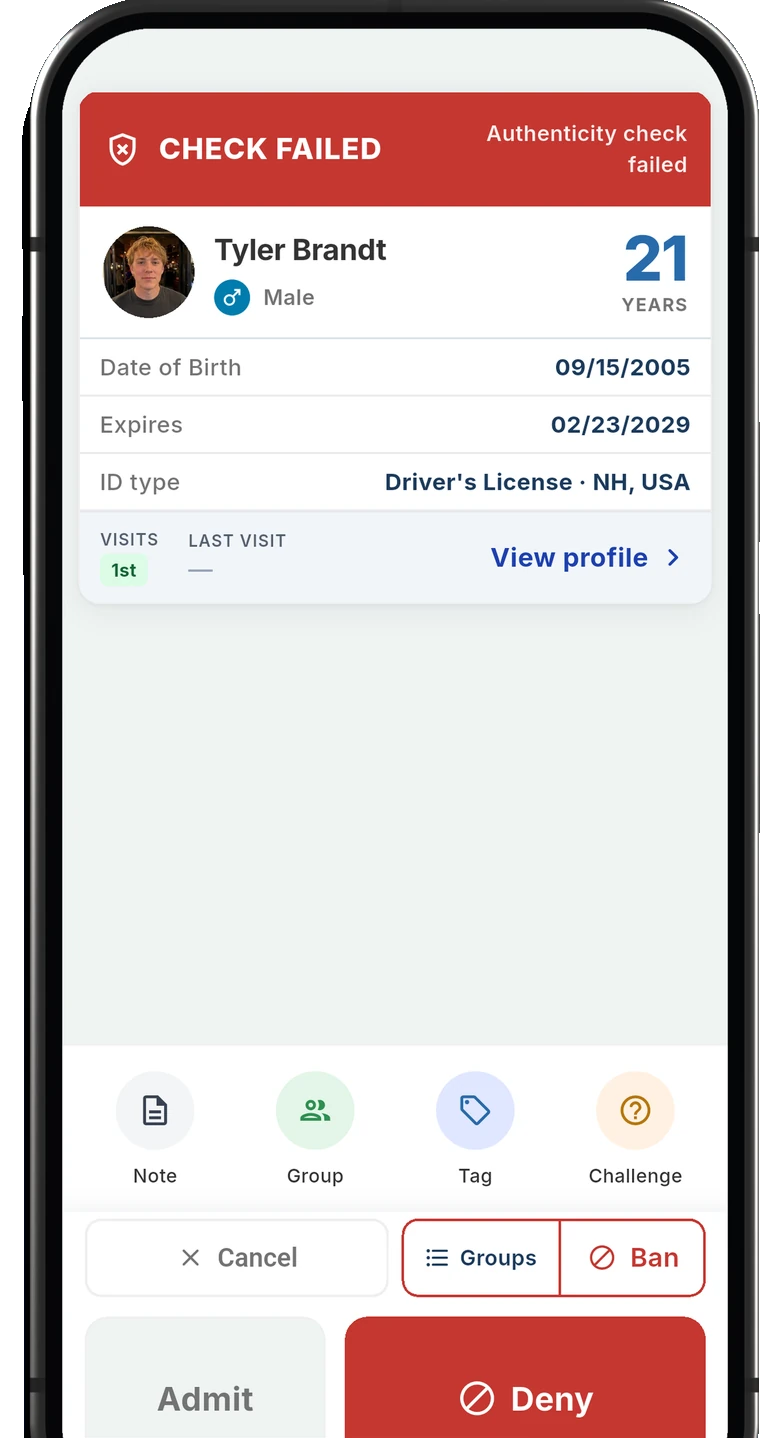
AgeShield ID Scanner
Three devices on every plan
The door, a second lane and a side check can each scan on a phone your staff already carry, and every phone checks the same Banned list. Each device past three is a slot you add from the hub.
Count checking points, not doors or staff
The key is how many staff check IDs simultaneously. A front door with two lanes on a Saturday is two checking points, a bar that checks again at service is one more, and a staff-only back door that never admits guests is none. Two door staff who take turns on one lane share one device.
Count the busiest hour, not an average shift. A count that covers a quiet Tuesday leaves the door short on the night that matters most, while a count that covers the peak covers every other night too. Where the check has to happen can also depend on your state: how to choose an ID scanner for a bar quotes rules that name more than one moment for it.
The peak line sets the number of lanes
A line forms when guests arrive faster than one checker can clear them. Rushing the check risks missing important steps. California's alcohol regulator tells staff to take their time looking at the identification in their hand, and a second lane shortens the line without shortening anyone's check.
To find the peak, look at when the line was longest on your last few busy nights. Door staff can name the hour, and if you already scan, the analytics show the busiest hours on the phone at the door as well as in the hub. A second lane can open for that hour alone, which is how a Thanksgiving Eve door plan handles one of the year's busiest nights.
California Department of Alcoholic Beverage Control, Checking Identification
Lanes, and who stands in them
Each lane has one checker and one device. Other staff at the door do not each need one: someone working the line and asking guests to have their IDs out, or security standing beside the checker, does not handle the card. What adds a device is a second person checking cards at the same time.
Staff who share a phone across a shift do not need one each either. With staff sign-in turned on in AgeShield, each scan records who made it by personal PIN, so one phone at the door can pass from hand to hand and the record still shows who checked each guest.
More than one entrance
Each entrance admitting guests simultaneously needs a checking point and device. A patio gate, a side door from the parking lot or a second floor with its own stairs all count if guests come in that way. A door that only lets people out does not.
With several devices, what matters is that they work from the same lists. Every phone at an AgeShield venue checks the same Banned list, so a guest banned at the front comes up as banned at the side door once the phones sync.
Re-entry on a busy night
Guests who step out to smoke or take a call come back through the same door, and on a busy night they join the same line. If the house rescans everyone on the way back in, that traffic belongs in the peak count, or in a lane of its own for returning guests.
Rescanning has a reason: a guest who gets in and hands the ID to a friend outside. AgeShield's re-entry warning flags an ID scanned again within a window the owner sets. The window covers every connected phone at the venue, so a phone in a re-entry lane flags an ID last scanned in the front lane. It is a warning rather than a block, and staff still make the call.
A second check for doubtful cards
A card that raises a doubt holds up everyone behind it. Moving the guest to a spot just past the front, where someone else asks a question or asks for a second ID, keeps the lane moving while that card gets the time it needs. Kansas's alcohol regulator suggests asking for a second or third form of identification, and the questions that catch a borrowed ID work the same at either spot.
A side check can have its own device. Staff can pick a stricter scan mode on their phone than the venue minimum, so the front lane can run Standard while the side-check phone runs Secure, which reads both sides of a license and checks that the front matches the barcode. Secure is the most thorough mode and the slowest, which suits the spot to the side better than the front of the line. The app's challenge questions give the person there a question to ask.
Kansas Department of Revenue, Alcoholic Beverage Control, Licensee Training
The bar and the floor
A venue that checks again where drinks are served adds checking points there: one for each bartender who checks at the same time, and one for servers on the floor if they check at the tables. Servers who check now and then can share a device, while a bar that cards at every order on a busy night needs its own.
When a phone fails
Without a spare, a dead battery can force a switch to hand checks. A charged spare and a charger at the door cover the common failures, and the hand check in how to check IDs at the door covers the rest.
Losing the signal is not one of those failures. An AgeShield phone works out the result on the phone, keeps scanning offline and syncs visits once it reconnects, and if its Banned list has not synced for 30 minutes the app tells staff to verify the guest manually. If a phone breaks, another one can be set up with a sign-in QR code from the hub.
Putting the count together
Total the checking points at peak time, then plan a spare. Three venues, counted the same way:
- Venue
- A neighborhood bar with one door
- Checking points at the peak
- One lane at the door
- Devices
- One, plus a spare
- Venue
- A busy bar on a Saturday
- Checking points at the peak
- Two lanes at the front door and a side check
- Devices
- Three, with the side-check phone as the spare
- Venue
- A club with a patio gate and a busy bar
- Checking points at the peak
- Two front lanes, the patio gate, a side check and the bar
- Devices
- Five
Count your own venue the same way, at its busiest hour.
How devices add up on AgeShield
AgeShield runs on the phones and tablets your staff already carry, so a checking point needs no hardware to buy. Every plan covers three devices scanning at once. Each device past three is a device slot added from Billing in the hub. A venue can add up to 20, and a new slot works right away.
The five-device club above runs on a plan's three devices and two slots, and slots are billed on the same cycle as the plan. Pricing lists what a plan and a slot cost, and what an ID scanner costs a bar has a calculator for any count.
AgeShield ID Scanner
A device for every checking point, one Banned list
AgeShield ID Scanner runs on the phones and tablets your staff already carry, with three devices scanning at once on every plan and more added a slot at a time. Every phone at the venue checks the same Banned list, keeps scanning when the signal drops and syncs visits once it reconnects.
Common questions
Is one ID scanner enough for a bar?
It can be, at a bar with one entrance, one lane at the busiest hour and no second check at the bar. Count for the busiest night rather than an average one, and plan for the one device failing: a spare phone, a charger at the door or the hand check.
Does everyone working the door need their own ID scanner?
Only the staff checking cards at the same moment. Someone working the line or standing beside the checker does not handle the card, and staff who take turns on one lane can share a phone. With AgeShield's staff sign-in on, each scan still records who made it.
Do returning guests need their own lane?
Only if the house rescans guests on the way back in and they make the front line too long at the peak. AgeShield's re-entry warning covers every connected phone at the venue, so a separate re-entry lane still flags an ID scanned again within the window the owner sets.
What happens if the scanner stops working on a busy night?
Staff check by hand while a spare phone takes over. A phone that loses its signal is not a failure with AgeShield: it keeps scanning and syncs later. A broken phone can be replaced by signing another one in with a QR code from the hub.
How much does an extra ID scanner cost?
On AgeShield there is no hardware to buy, and every plan covers three devices scanning at once. Each device past three is a device slot added from Billing in the hub, and the pricing page lists what a slot costs on Core and on Pro.
Sources
Working out the count for your venue?
Tell us how many entrances you open, where the line builds on your busiest night and where else staff check IDs, and we'll answer by email.