
For anyone comparing ID scanners
Learn before you decide
Five things worth working out before you pick an ID scanner, and where each one is answered. Nothing here takes long to read. If you already know what you are looking for, the resources page lists everything at once.
The short path
What an ID scanner does at a door
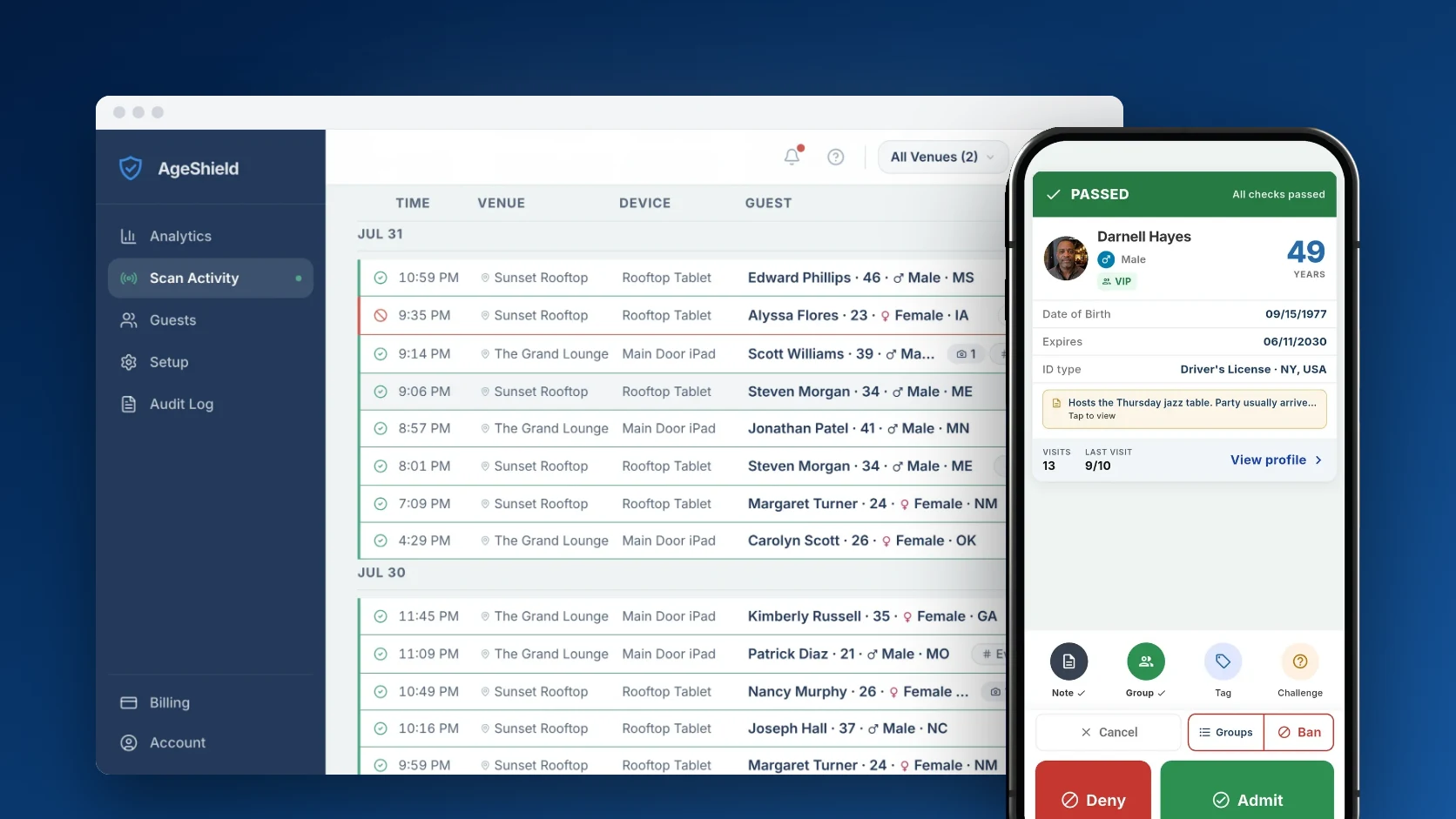
Staff point a phone at the ID, the app reads it and shows a result in plain words, and the staff member still decides. The record of that decision lands in the hub. The door flow, step by step and what a scan actually reads.
What a scan catches, and what your staff still check
A scan catches a forged barcode, an expired ID, a guest under your minimum age and anyone on your Banned list. It cannot tell whether the ID belongs to the person holding it, so staff still compare the photo with the face and can ask a quick question from the ID. How AgeShield catches fake IDs. Some IDs should not be scanned at all: why a bar cannot scan a military ID.
What it costs
AgeShield is priced per venue, not per device. Core is $499/year, which works out to $41.58/month, or $49/month paid month to month. Pro is $699/year, $58.25/month, or $69/month. Three devices scan at once on both, and prices exclude sales tax. Full pricing and the cost calculator, or see how that compares with VeriScan and Vēmos.
What the law question looks like in your state
What a venue may scan, what it may keep and for how long are set state by state, so the question is a local one. AgeShield does not give legal advice and no setting is a statement that it is lawful where you operate. Start with the state ID scanning law directory, read the Massachusetts guide for the level of detail these pages go to, then decide what to keep with the privacy controls. Not sure about your state? Email support@ageshield.bar and we will point you to what is published for it.
What to ask any vendor
Six questions that separate ID scanners quickly, whoever you buy from. They are below, each with the page that answers it here. Go to the questions.
What to ask any vendor
Ask these of us and of anyone else on your list. Each one links to where AgeShield answers it, so you can hold the answers side by side.
What does it cost for the number of phones I actually need?
Per venue or per device changes the answer fast once a second phone goes on the floor.
Device slots and what they costDoes the fake ID check still run when the internet drops?
A door does not stop when the signal does, and some checks only work online.
What works offlineWhat does the app keep from each ID, and for how long?
States differ. Some limit which fields a venue may keep and for how long, and a few require certain records to be kept. So the answer should be a setting you control, per field and per venue, not a fixed policy.
What each field can doIs there an audit log of who did what with guest data?
Guest records are sensitive. A proper audit log records who opened them and who changed a setting, so misuse shows up early and you can show a reviewer how the data is handled.
How the audit log worksWhich documents does it accept, and which does it refuse?
Passports, green cards and out-of-state licenses all behave differently at a door.
What a scan readsWhat happens when the free trial ends?
Ask what is taken at signup, what is charged and when, then how you cancel before that.
How the AgeShield trial ends
Still reading? The resources page has the guides, the comparisons and the state ID scanning law directory in one place.
Or just try it at your own door
The trial runs 14 days with Pro features on three devices. You add a card at signup and nothing is charged today.
Start your 14-day free trial