Built for US venues

Support
Email is the fastest way to reach us. Every message gets answered. Anything that stops your door from scanning goes to the front of the queue.
Email us
support@ageshield.barWhat to include
So we can help on the first reply, tell us:
- Your venue name and the email on your account
- Whether it is the app or the hub
- The device and OS if it is the app (for example, iPhone 15, iOS 18)
- What you expected and what happened instead
Response times
We answer within three business days. If your door cannot scan, put DOWN in the subject line and it goes to the front of the queue.
Already signed in?
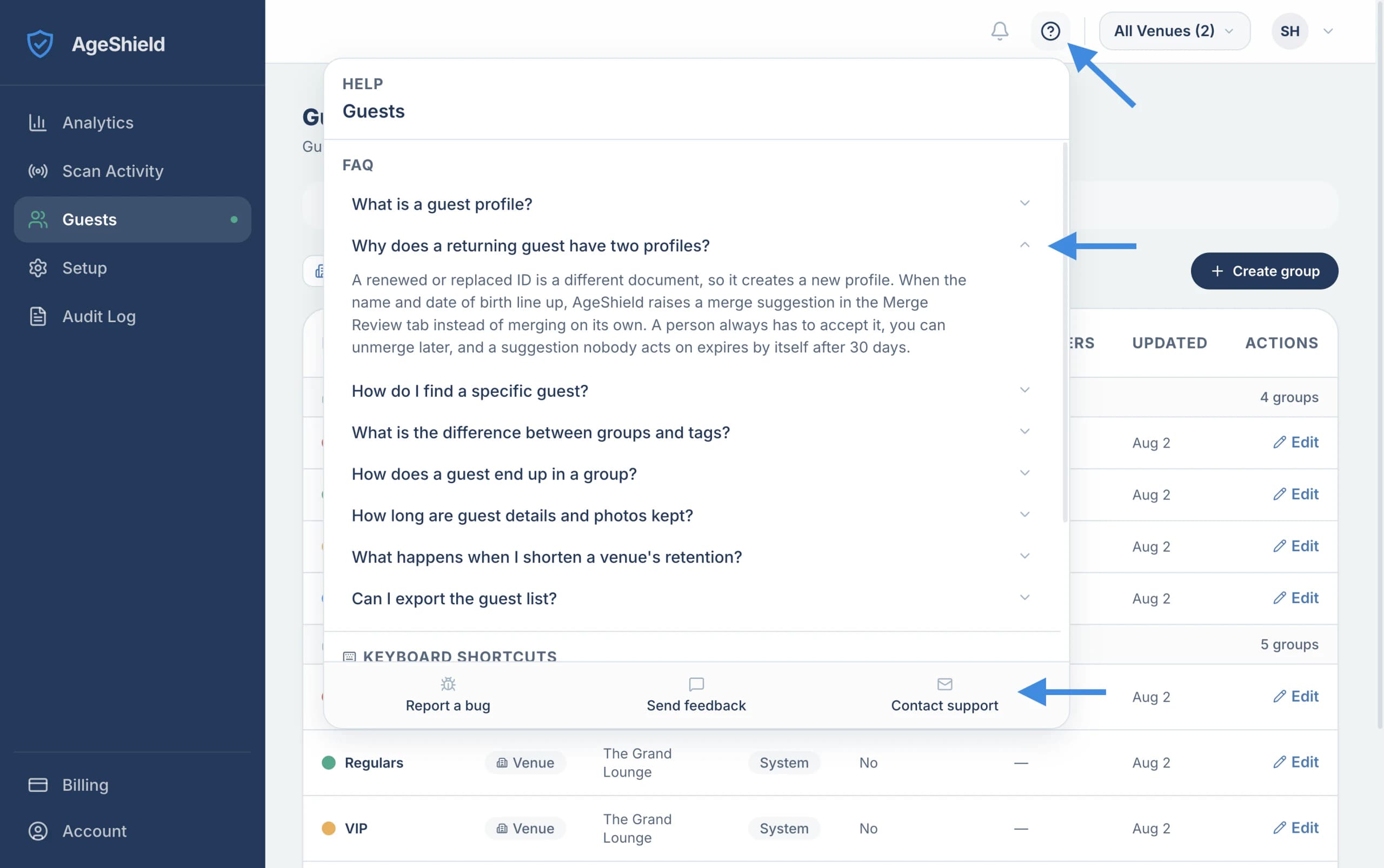
Every page in the AgeShield hub has a ? button in the top-right corner. It opens help written for the page you are on, plus shortcuts and a direct line to us, so you usually do not need to leave what you are doing.